
Any meeting app
Sketchwright hears your computer’s audio, so it works in Google Meet, Zoom, Teams, and the rest. Share the board like any window.
Free betaMac + WindowsAny meeting app
No prompts. Just talk. Sketchwright draws diagrams, comparisons, and plans as you go, with the report ready when you hang up.
macOS 26 or later on Apple silicon. Windows 11 coming soon.
No account or waitlist with your own Claude Code or Codex.
Or use free hosted access.
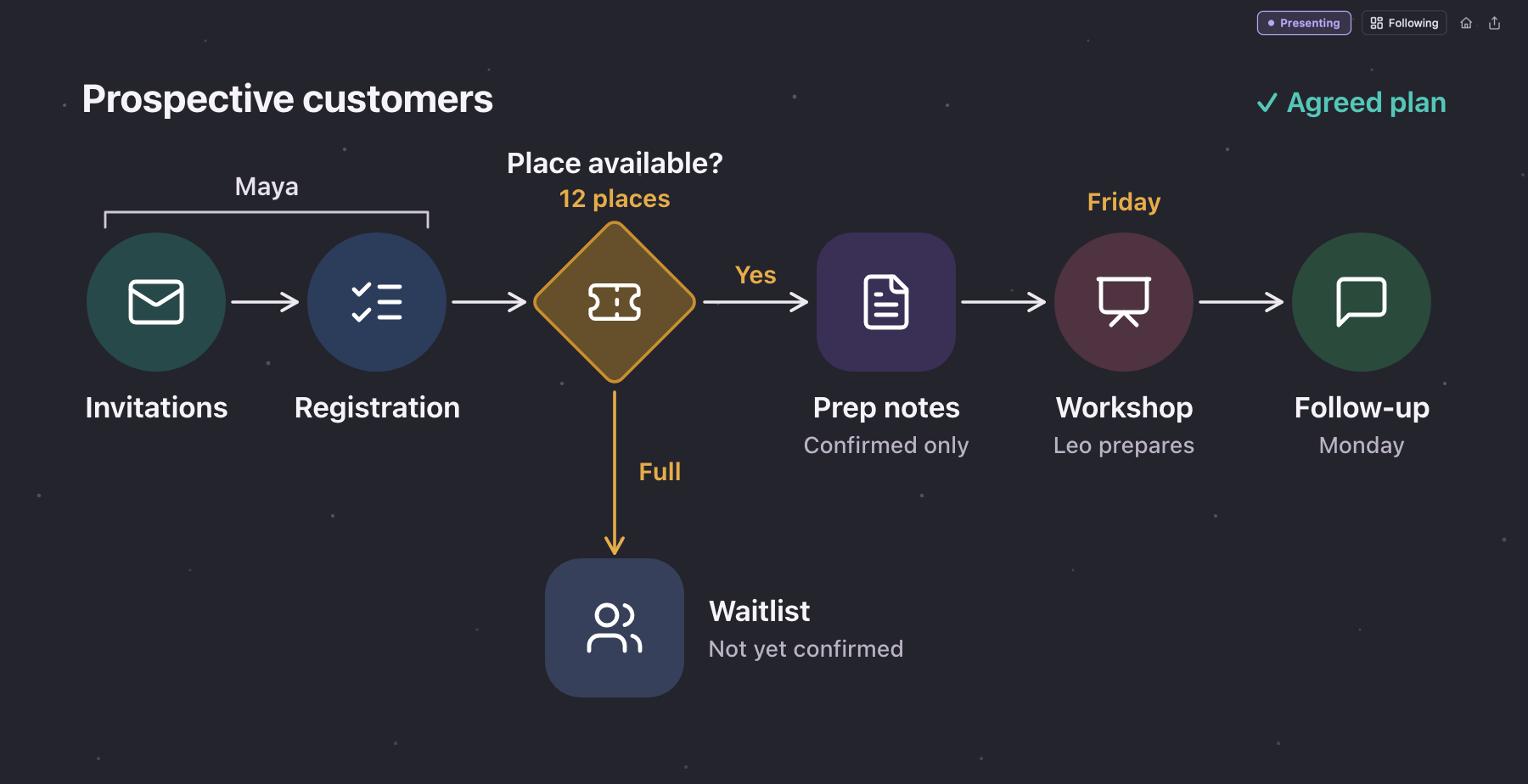
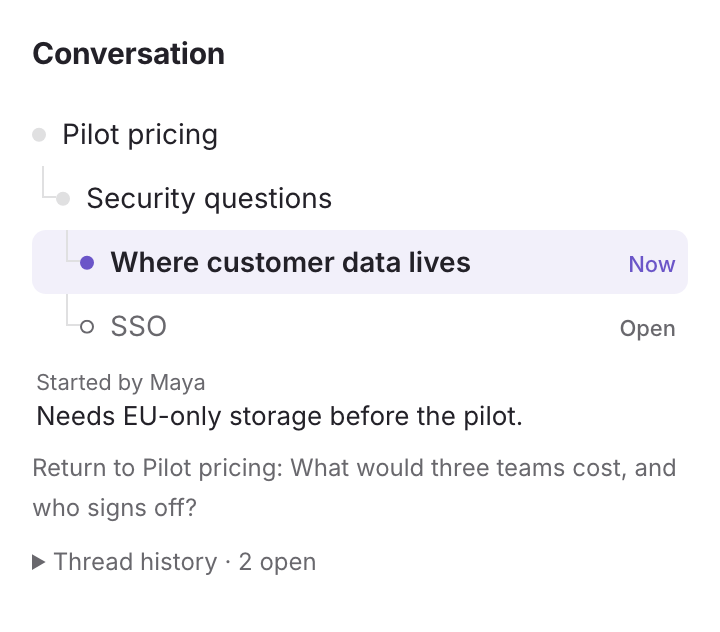
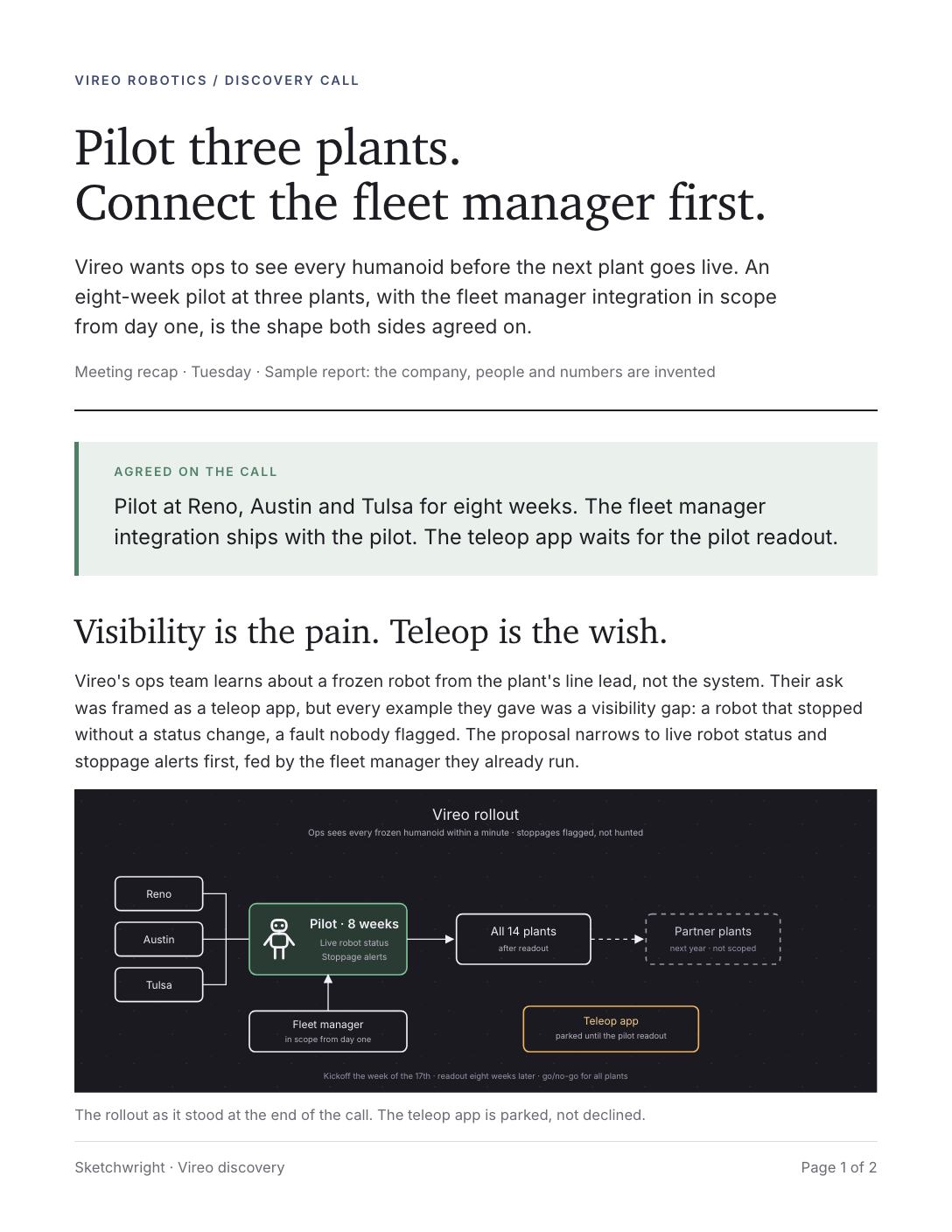
Sketchwright puts the conversation on a board, adding detail as you go and updating the plan when you change your mind. Everyone on the call sees the same thing.
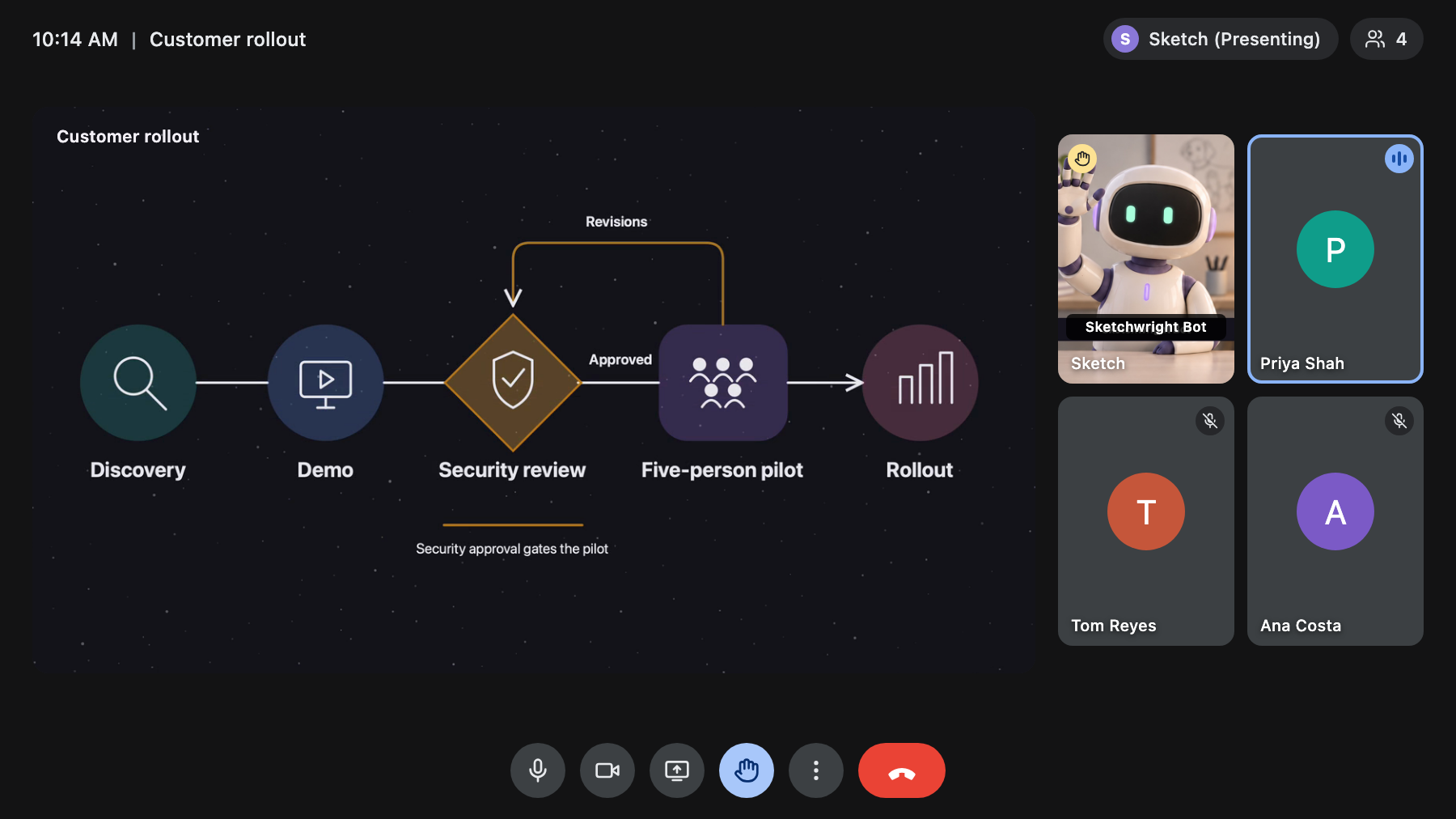
Sketch is a meeting bot you can talk to. It researches whatever comes up, on the web and in your company docs. When it has something useful to add, it raises its hand and waits to be called on.
Sketch joins Google Meet on Mac today, with Zoom and Windows coming soon. In any other call, you share the board yourself.
Nobody has to write it up. The decisions, diagrams, open questions, and actions are in one visual report when the call ends. Review it, then email it from the app or save a PDF. Include the transcript if you want it.
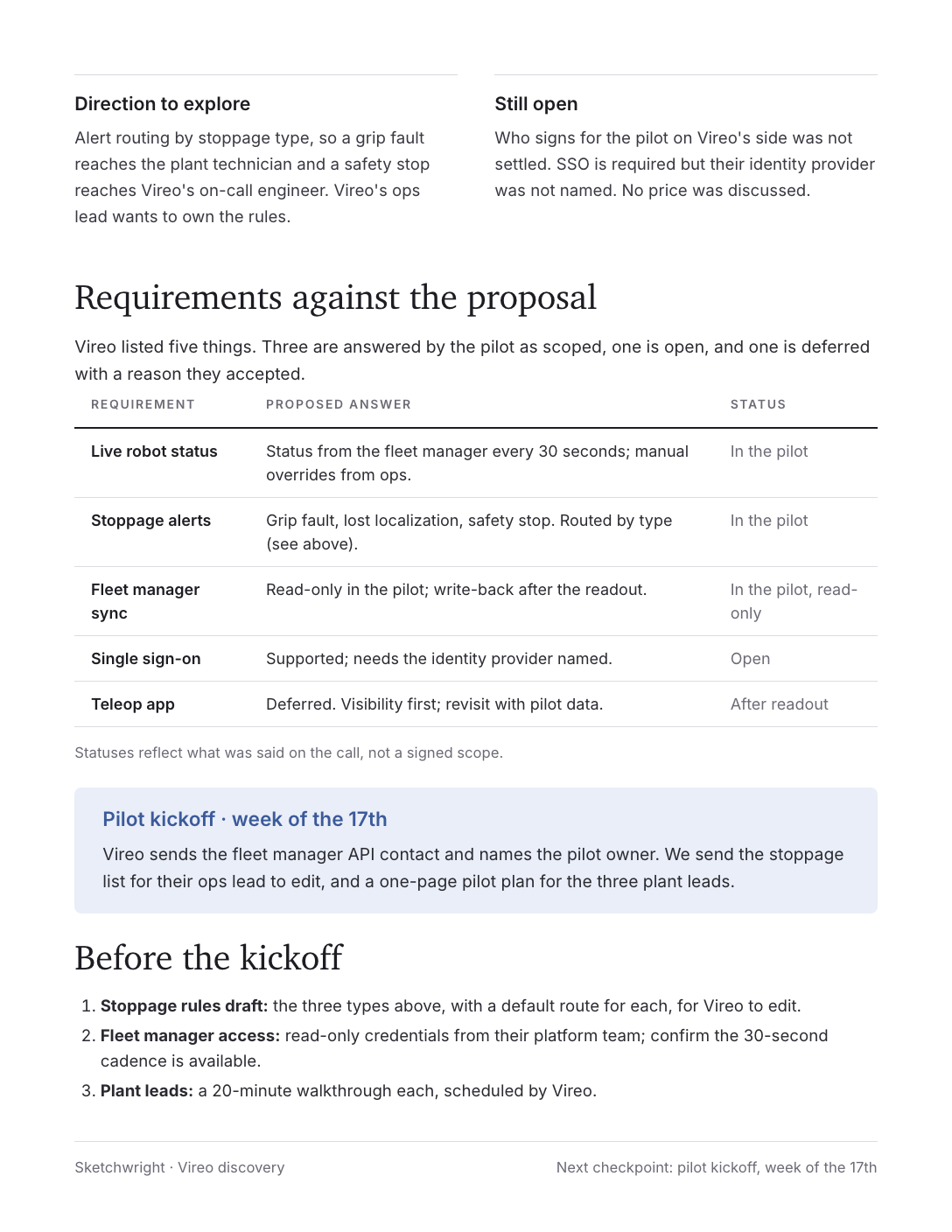
Do the work together on the call, and the planning happens along the way. Bring it to sales calls, technical reviews, and any call where someone says “let’s whiteboard that.”
Sketchwright hears your computer’s audio, so it works in Google Meet, Zoom, Teams, and the rest. Share the board like any window.
Follows the main topic, the tangents, and the questions still open. On Mac, it also looks up facts on the web as they come up.
Reopen a past meeting to bring back its decisions, open actions, and boards. You review what comes back before anyone sees it.
Bring a doc, a ticket tracker, or a diagram tool onto the board so Sketchwright can read it and help. You choose whether the room sees it.
One control stops listening and voice. Nothing is captured until you start it again.
Hold drawings until you press Send, or approve them from a private Sales view. You review the report first. What you say and anything you let it see are processed in the cloud.
No meeting needed. Open it on your own to whiteboard, brainstorm, work through a plan, or follow a live conversation.
Coming soon. Hand the plan to Claude or Codex from the meeting, and the work is done before the call ends.
Founded Drydock Labs, where Sketchwright began, and Porter Labs, building AI tech for dogs. Decades of experience in network engineering, software, and security.
Previously
Former Director of AI Strategy at Microsoft, with deep experience in cloud and data platforms. Author of Hands-On Data Science with the Command Line. USAF veteran.
Previously
More in Support.
No. A notetaker tells you afterwards what was said. Sketchwright works during the call: it draws what you’re deciding where everyone can see it and change it. The report is what’s left when you hang up.
Mac: Apple silicon, macOS 26 or later, and a microphone. Windows: Windows 11 on x64 or ARM64. For meetings, Google Meet, Zoom, Teams, or any other meeting app. Sketchwright also works on its own at your desk. Full requirements.
Yes, during the beta, on Mac and Windows. With your own Claude Code or Codex there’s no waitlist and no Sketchwright account. Without one, request free hosted access in the app. It has a waitlist and usage limits.
No. Only you run Sketchwright. In Google Meet on Mac, Sketch joins as a participant and presents the board. In other meeting apps or on Windows, you share Sketchwright’s board window.
Audio and the context you permit are sent to cloud services to produce the drawings and the report. On Windows, speech is transcribed on your PC and only the text goes to the AI you use, unless you turn on spoken replies. Pause stops listening and voice. See our privacy policy.
Windows draws, listens, and reports, like the Mac. Sketch joining the call, App Sharing, and automatic updates are Mac-only for now. Windows matches the Mac in 0.4. Spoken replies and emailing the report need hosted access. What runs where.
Free during beta.
No account or waitlist with your own Claude Code or Codex. Or use free hosted access. What runs where and requirements · Join the Discord